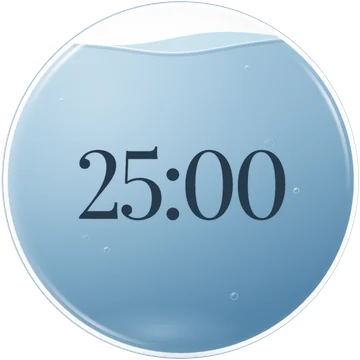
On its side, the time up close
Turn your phone on its side during a focus: the glass takes the full height, with your intention and controls right beside it. The screen stays on while time is running.
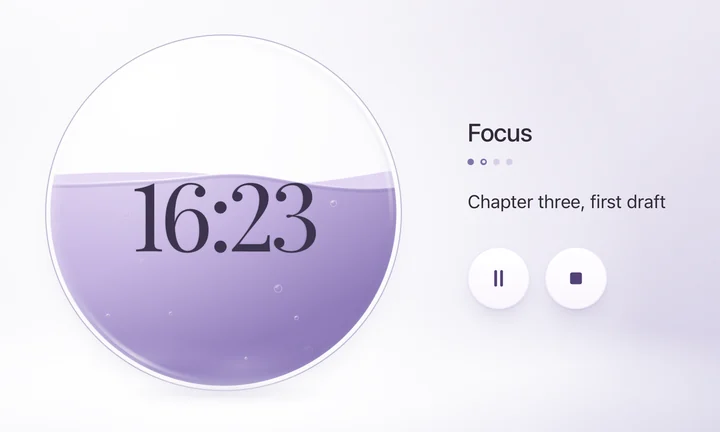
A Pomodoro timer for iPhone, with no account and no ads. You start a focus, the break comes on its own, and you move forward at your own pace.
Works with Duo: open or half-open, the interface adapts.

You know that moment when the chapter sits open, waiting, while your day scatters. The first minute is often the heaviest: put your phone down beside you and start a focus.
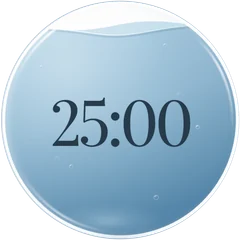
Note what you want to work on, if you like, then tap Start.
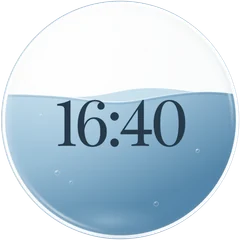
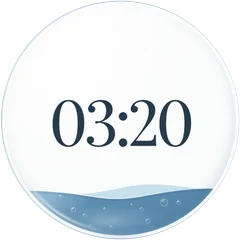
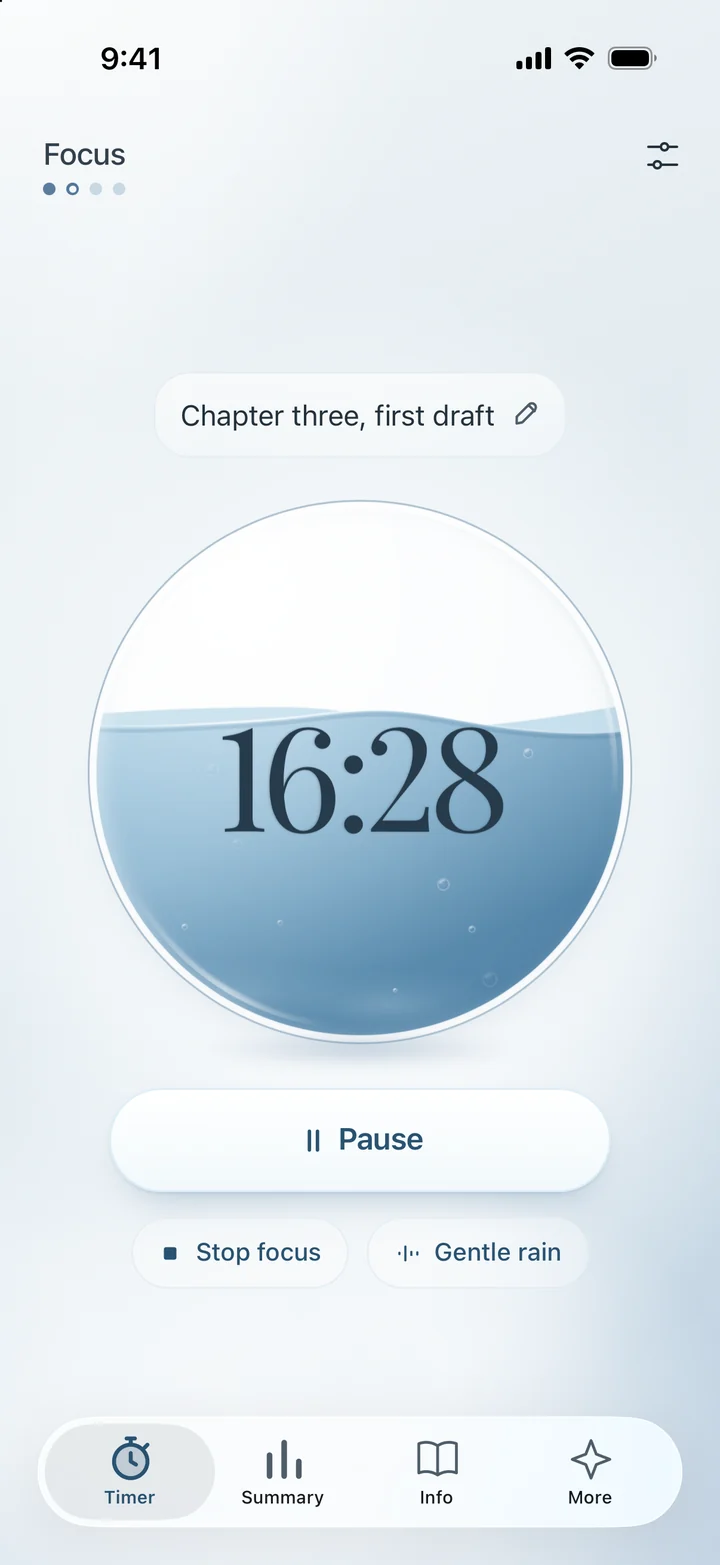
The water level shows the time remaining, even from a distance, without reading the numbers.
When it ends, an alert lets you know if you’ve allowed it, and the break starts on its own. The next focus is waiting for you.
You choose the rhythm, and after four focus sessions, the break gets longer.
Your intention at the top, the time in the middle, Pause just below. Nothing blinks or tugs at you, and your attention stays on what you’re doing.
You adjust along the way, and the current focus carries on, without starting over.
Turn your phone on its side during a focus: the glass takes the full height, with your intention and controls right beside it. The screen stays on while time is running.
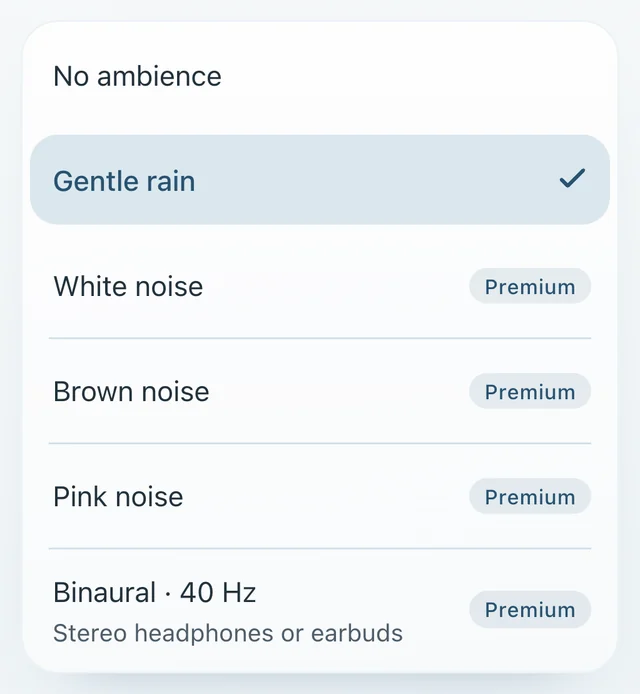
When silence isn’t helping, gentle rain keeps you company, even with your phone locked. White, brown or pink noise and 40 Hz binaural come with premium.
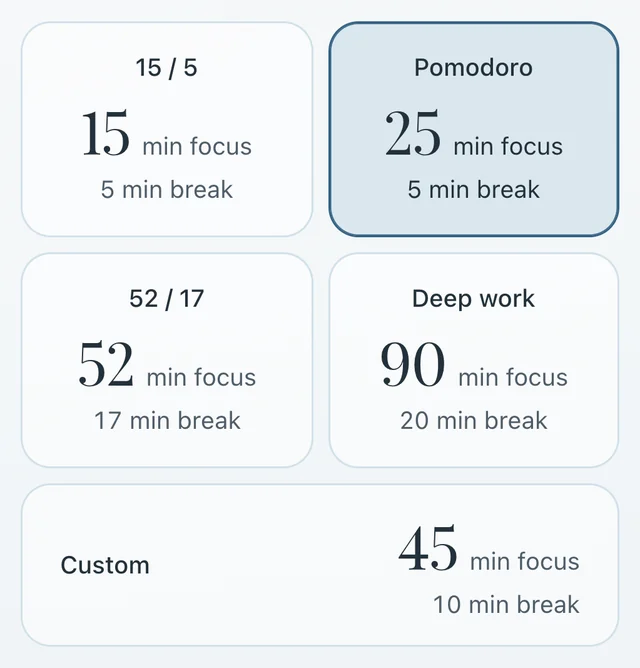
15 / 5, Pomodoro, 52 / 17 or Deep work, depending on what your day calls for. With premium, you set your focus and breaks to the minute.
Blue-gray, sage, lavender, powder pink or terracotta, in light or dark mode, or matching your iPhone.





The time remaining appears on the Lock Screen, and at the top of the screen in your other apps, depending on your iPhone and its iOS version.

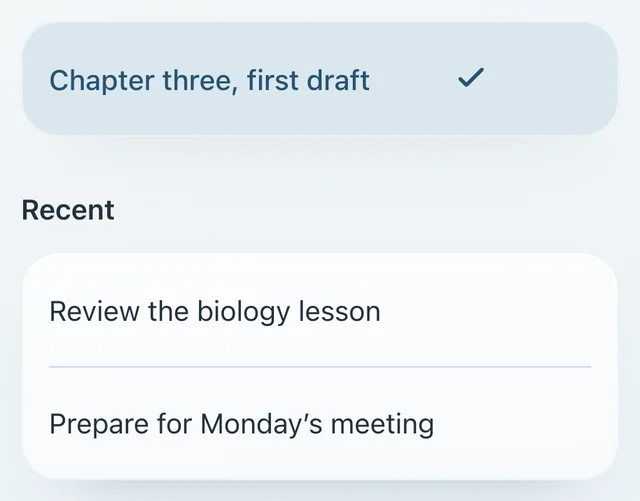
Write what you’re working on: your intention stays in place for the next focus sessions, and your recent ones are a tap away.
Premium
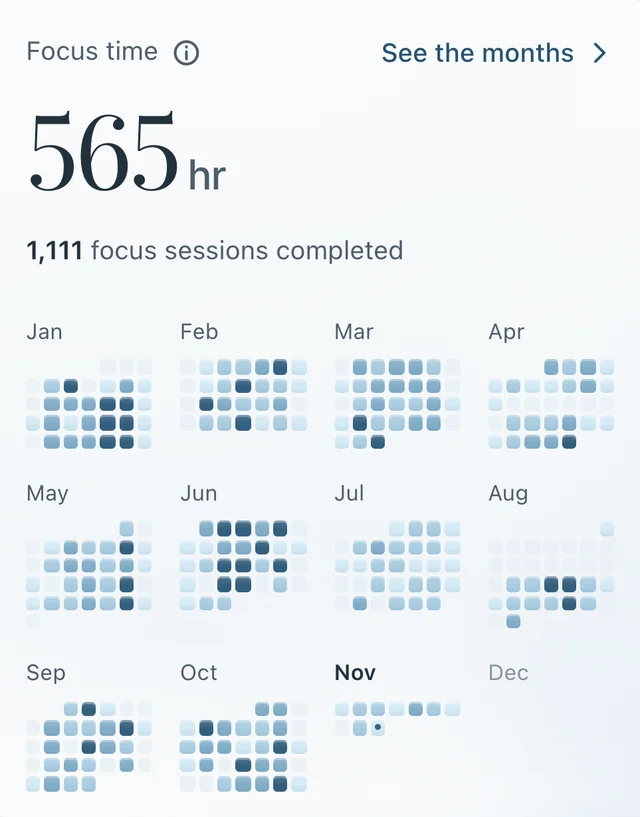
Each focus is saved on your phone, no account needed. Your summary shows your week, month or year, and the time given to each intention.
On the App Store, from your iPhone: open its page, or search for “Calm Pomodoro”.
The iPhone’s timer counts down a single duration, then rings. Calm Pomodoro moves from focus to break, counts your focus sessions up to the long break and keeps your intention in view.
On an iPhone with iOS 15 or later. Showing the time on the Lock Screen and at the top of the screen also depends on the iOS version and the model.
No. Calm Pomodoro is designed for iPhone, and no Android version has been announced.
Your sessions, intentions and settings stay on your iPhone: there’s no account. A message to support leaves when you send it, and usage measurement only if you agree to it. Your phone’s backup, in iCloud or on your computer, may keep a copy.
No, Calm Pomodoro doesn’t block anything. The app helps you stay with a focus, and your iPhone’s Focus mode can silence other notifications, if you allow Calm Pomodoro in it.
The timer is free, with its rhythms, colors, end sounds and gentle rain. A subscription adds a custom rhythm, an overview of your sessions and more ambient sounds. Its price shows on the App Store, in your country’s currency.
Yes. The timer and its sounds are built into the app: everything works without a network, on a plane or at the back of a library.
French, English, Japanese, Korean, Thai, Vietnamese, German, Spanish and Portuguese. The app follows your iPhone’s language, and you can choose another one in Settings.
An independent app, designed by one person.
Some days, you wonder why attention holds or slips away: a few pages on rhythm and sound, to read with or without the app.
All articlesYou feel guilty for doing nothing, even when nothing is urgent. Where that little voice comes from, and how to rest without having to earn it.
In bed, after a day of screens, your book only gets your most tired minutes. Give it a time when you’re awake, then decide whether to finish it.
With ADHD, your mind shows up when it’s urgent and wanders off the rest of the time. Why, and how to call it in at the office, at home, or over your notes.
You started small, and nothing followed. Why it isn’t laziness, and what gets a task moving when it’s too big, too vague, or lost among others.
In grayscale, you put your phone down sooner, but you don’t pick it up any less often. What each setting changes, and what a dumbphone takes away beyond that.
Available on iPhone
The timer is free, with no account and no ads.